
Introduction
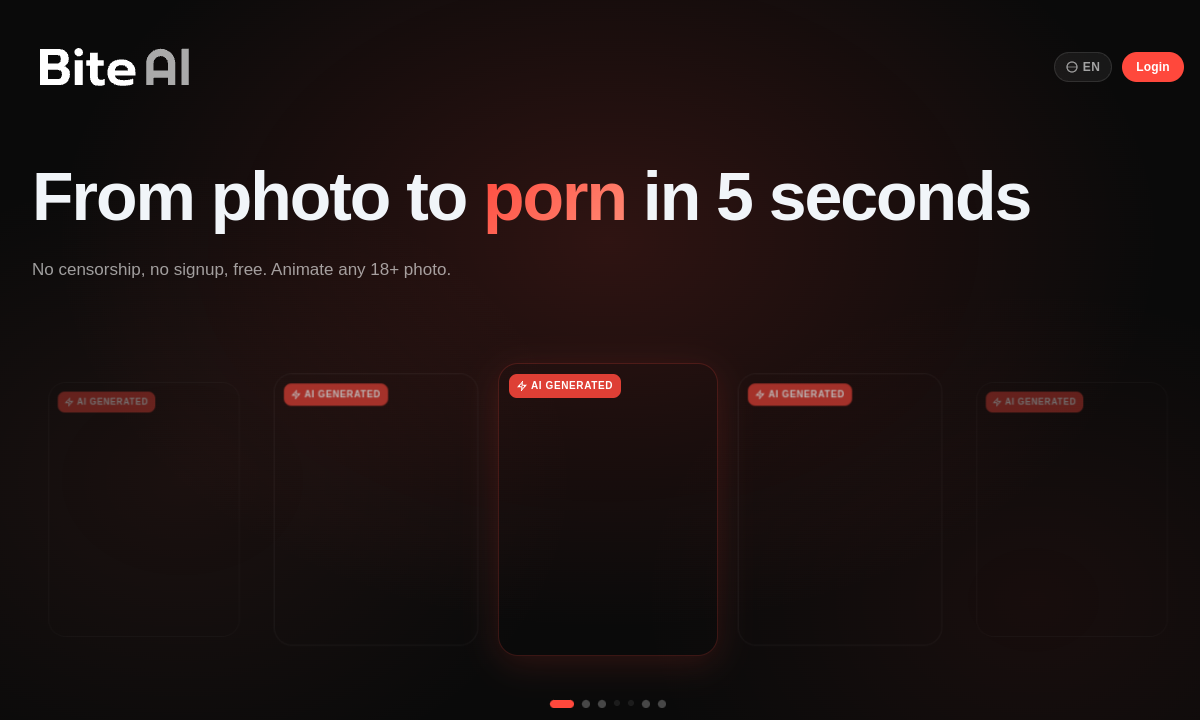
Bite AI begins with one image and one decision: what should this person do? Upload a still photo, choose talking, singing or dancing, and the service turns it into a short adult video. That is a much narrower idea than a full AI video studio, but the narrowness is useful. You do not need to write a scene, choose a model or learn camera prompts. Bite is for people who already have the image they want and simply want to make it move.
The three motion modes give the same source photo different roles. Talking is suited to a face-led clip, singing adds a performance angle, and dancing asks more from the body and framing. Bite does not publish every motion control on the entry page, so these modes should be treated as guided starting points rather than precise choreography tools. The practical advantage is speed: switching the mode changes the kind of clip without rebuilding the source character or writing a new prompt from scratch.
Bite promotes videos in the 30–60 second range, which is long enough to feel like a clip rather than a brief animated loop. The product also emphasizes natural facial expression. That combination is appealing when the source image is a portrait and the face needs to remain believable while it moves. Results still depend heavily on the input: a clear face, sensible framing and visible body structure give the animation less ambiguity than a cropped, blurred or heavily stylized picture.
Output options reach up to 4K, but the entry page does not publish which resolution, duration or processing allowance belongs to each current offer. 'Up to 4K' should not be read as a promise that every clip renders at that level. Check the selected output before starting a long queue or paying. A lower-resolution test is useful for judging motion, but the real buying question is what the final resolution you need costs and how many clips the allowance covers.
Bite automatically displayed a localized interface, making the simple workflow easier to follow outside English. That matters more here than it would in a one-button novelty tool because the user still needs to choose mode, source and output settings. The product remains focused: photo in, adult performance out. There is no need to pretend it replaces a general video editor. Its value is removing the most technical part of animation for one specific kind of task.
Choose Bite AI when the source photo is already the centerpiece and you want a guided 30–60 second result. Look elsewhere when you need several scenes, exact camera direction or a story built from text. Current prices are not stable on the entry page, so check the cost of the resolution and duration you actually want before paying. One clean test image across two motion modes will tell you more than an ambitious first render with a difficult source.
Merits
- One-photo workflow removes prompt writing and character setup.
- Talking, singing and dancing give one source image three distinct performance routes.
- Promoted 30–60 second clips go beyond a short looping animation.
- Output options reaching 4K leave room for higher-resolution final exports.
Disadvantages
- Current prices and per-plan allowances are not listed on the entry page.
- Up to 4K does not explain which current offer includes the highest resolution.
- Template-like motion modes provide less control than a full video editor.
- Weak or awkwardly cropped source images give the animation less reliable visual information.
Key Features
Photo-to-Video
Animate one existing still rather than generating a character from text.
Talking Mode
Create a face-led performance from the uploaded image.
Singing Mode
Apply a music-performance direction without rebuilding the source.
Dancing Mode
Use a movement-focused route for images with enough body framing.
30–60 Second Clips
Create a short video rather than only a brief animated loop.
Output Up to 4K
Select higher-resolution output when included in the current offer.
Editor Score
Bite AI is appealing because it does one job without burying it under a general video studio. A clear source photo can move into talking, singing or dancing with very little setup, and the 30–60 second target is more useful than a tiny loop. The missing price and allowance details matter, especially for 4K. Test motion first, then pay only for the output level you actually need.
| Criterion | Score |
|---|---|
| Photo-to-Video Simplicity | 18 / 20 |
| Motion Mode Variety | 14 / 20 |
| Useful Clip Length | 16 / 20 |
| Output Resolution Range | 15 / 20 |
| Price and Allowance Clarity | 6 / 20 |
| Total | 69 / 100 |
Rate Plans
Bite AI does not list a stable current plan table on the entry page. Check three items before paying: the resolution included, whether 30- and 60-second clips use different allowances, and how many generations the offer covers. Test the same clean photo in two motion modes at a modest resolution first. There is little value in paying for 4K before you know the underlying movement suits the image.
| Plan | Price | Who it suits |
|---|---|---|
| Current Bite AI offer | Shown inside the product | Photo-to-video generation with talking, singing and dancing; resolution, duration and allowances depend on the live offer. |
Confirm the resolution, duration and generation allowance shown in the live product before paying.
Alternative Tools
| Tool | Why compare it |
|---|---|
| Sexy.ai | Sexy.ai offers image generation with CivitAI models, LoRA support and Wan image-to-video workflows alongside a community gallery. Where Bite AI animates a single uploaded photo, Sexy.ai builds from text prompts and model selection, rewarding buyers who want creative control over style and character. Sexy.ai's public pricing starts at $14.99/month with clear plan details, while Bite AI's costs remain hidden behind sign-in. |
| Arauwuara AI | Arauwuara AI uses character-card selection as its starting point, generating images from predefined characters with style-family switching. Bite AI starts from your own photo instead. Arauwuara AI suits buyers who want to browse and select from existing character templates; Bite AI suits buyers who already have the image and want it animated. Arauwuara AI uses credit-based monetization with no public pricing either. |
| GetJuicy | GetJuicy focuses on AI-generated adult images with slider-based customization and a 500,000-image community gallery for prompt replication. Its Undress AI tool applies clothing removal to existing images. Bite AI skips image generation entirely and goes straight from still photo to animated video. A buyer choosing between them is choosing between image creation depth and video animation simplicity. |
Frequently Asked Questions
What does Bite AI do?
It turns one still photo into a short adult video using talking, singing or dancing motion modes.
How long are Bite AI videos?
The product promotes clips in the 30–60 second range. Check the selected offer for exact duration limits.
Can Bite AI export 4K?
Output options are promoted up to 4K, but availability depends on the current offer.
Do I need to write a prompt?
The main workflow is mode-driven: upload a photo and choose talking, singing or dancing.
Which source images work best?
Use a clear, well-framed image with visible facial and body structure appropriate to the selected motion.
How much does Bite AI cost?
The entry page does not publish a stable current price. Check the live product for resolution, duration and generation allowances.