
Introduction
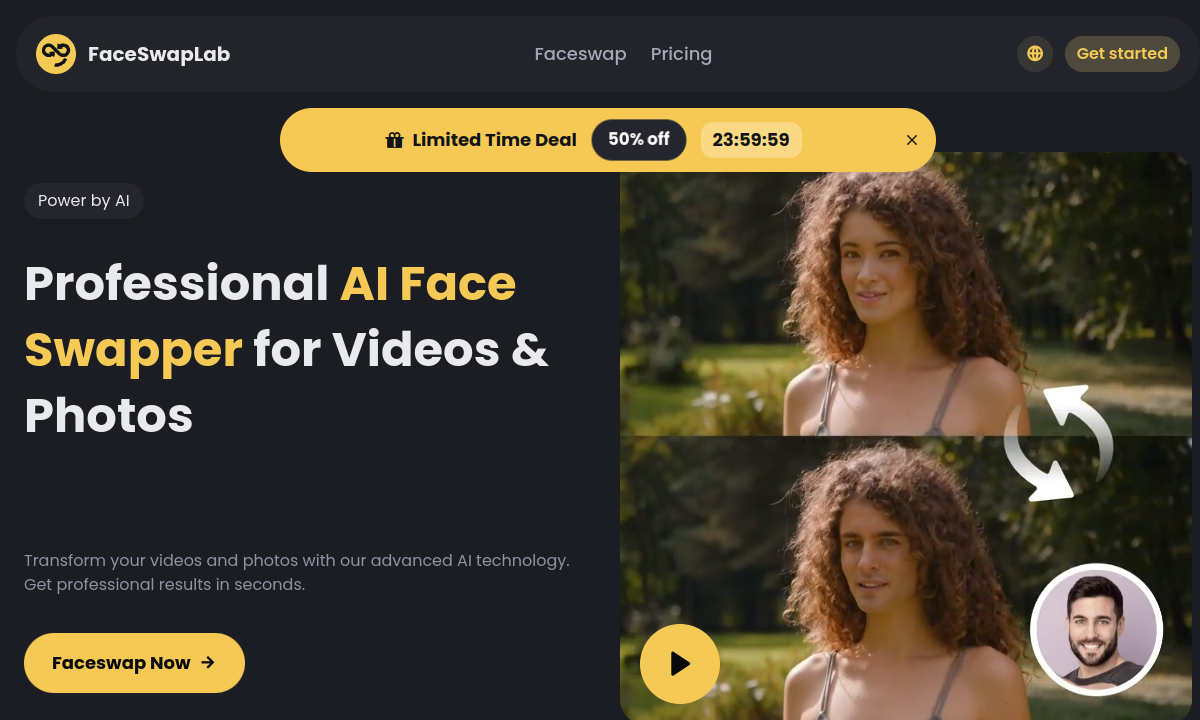
Most online face swappers are built around a single trick: upload one photo, choose another face and wait for the novelty result. FaceSwapLab becomes more useful when the job is repetitive. Its bulk tools can take one reference face and apply it across a group of source photos, GIFs or videos. That makes sense for a themed account, a run of reaction clips or a content series where repeating the upload and setup twenty times would be the most annoying part of the work.
The product separates photo, GIF and video swapping instead of hiding every format behind one generic upload box. It supports JPEG, PNG and WebP images, plus MP4, MOV and WEBM video. Batch limits reach 100 photos, 50 GIFs or 20 videos at once. This is still automated face replacement, not a compositing suite: you provide the source media and one clear target face, then the cloud service detects, tracks and replaces the face before you download the output.
A good source file matters more than the homepage's speed and similarity claims. A front-facing reference with even lighting gives the model less to invent, while extreme angles, occlusion and exaggerated expressions remain difficult for face-swapping systems generally. Video raises the stakes because one bad frame can become a visible flicker. FaceSwapLab does not provide a frame timeline or manual masks for correcting those moments, so difficult clips may require another paid render rather than a local repair inside the tool.
The credit system is simple enough to calculate. A photo costs 0.5 credits; a GIF or video costs 5 credits for every 15 seconds. That means a one-minute clip uses 20 credits, and the included 100 monthly credits cover about five minutes of video before reruns. The Premium plan may accept a video as long as 30 minutes and as large as 1GB, but upload capacity is not the same as monthly capacity. A single maximum-length job would exceed the included allowance several times over.
Face media is processed on FaceSwapLab's servers. Its privacy policy says photos containing faces are deleted after the new content is created, while unprocessed files are removed after seven days. Created work is kept for a limited period to make downloads convenient, but that period is not defined. The account also collects email, device information, usage logs and extracted facial features. For sensitive material, the practical question is whether cloud convenience is worth uploading the source at all.
FaceSwapLab is best treated as a production shortcut for material you have the right to use, not as permission to impersonate somebody. The terms require lawful uploads and the necessary rights, while the product does not clearly promise unrestricted adult use. Its strongest buyer is someone with a clean reference face, several related files and no desire to install local face-swap software. Someone who needs real-time replacement, detailed masking or precise per-frame repairs will quickly reach the edge of what this browser workflow can do.
Merits
- Bulk queues can apply one reference face to as many as 100 photos, 50 GIFs or 20 videos in one workflow.
- Separate photo, GIF and video tools make format requirements and processing goals easy to understand.
- Published credit rates let buyers calculate the cost of a clip before uploading it.
- Premium supports 1080p output, files up to 1GB and individual videos as long as 30 minutes.
Disadvantages
- The pricing screen currently contains conflicting 12-month cards at $49.99 and $299.99.
- One minute of video uses 20 credits, so the included 100 monthly credits cover only about five minutes before retries.
- Using any credits from the latest payment removes eligibility for the stated 14-day refund.
- There is no real-time mode or frame-level editor for correcting flicker, masks or difficult expressions.
Key Features
Bulk Face Replacement
Apply one reference identity across multiple source files, with listed batch limits of 100 photos, 50 GIFs or 20 videos.
Video Face Swap
Upload MP4, MOV or WEBM clips for cloud processing and download a 1080p result without a watermark.
Photo Face Swap
Replace a face in JPEG, PNG or WebP images at a published cost of 0.5 credits per photo.
GIF Face Swap
Create personalized reaction GIFs and meme variations using the same 5-credits-per-15-seconds rate as video.
Large File Support
Premium accepts video files up to 1GB and clips up to 30 minutes, although longer jobs require far more than the included monthly credits.
Automated Cloud Processing
Face detection, tracking and replacement happen in the browser workflow without installing local models or configuring a GPU.
Editor Score
FaceSwapLab scores best as a time-saving batch utility: its format separation, published credit rates and generous file limits make the workflow easy to plan. The score drops for the contradictory annual price cards, a refund rule that ends with the first credit, and the lack of manual correction tools. Convenient, yes; fully predictable at checkout, not yet.
| Criterion | Score |
|---|---|
| Batch Workflow | 18 / 20 |
| Format & File Support | 17 / 20 |
| Credit Cost Transparency | 16 / 20 |
| Cloud Privacy Controls | 14 / 20 |
| Billing Clarity & Refunds | 11 / 20 |
| Total | 76 / 100 |
Rate Plans
Start with one monthly plan and a short, representative video. A 60-second clip costs 20 credits, so you can estimate how many retries the 100-credit allowance can tolerate before committing to a larger batch. The $49.99 yearly card looks much cheaper than monthly billing, but the same screen also renders a conflicting $299.99 annual option. Confirm the selected product, renewal amount and payment total at checkout rather than trusting the promotional timer.
| Plan | Price | Who it suits |
|---|---|---|
| Monthly | $9.99/month displayed | 100 credits, pro model, priority processing, 1GB maximum video files and clips up to 30 minutes. |
| 12 months | $49.99 total displayed | Premium access shown as $4.17 per month and crossed out from $99.99; verify the renewal total before payment. |
The live pricing screen also contains a second 12-month card at $299.99, which conflicts with the $49.99 annual offer. Refunds are available within 14 days only if no credits have been used since the latest payment. Once a render spends credits, that payment no longer meets the stated refund condition.
Alternative Tools
| Tool | Why compare it |
|---|---|
| DeepSwap | DeepSwap has a more established reputation as a dedicated photo and video face swapper. FaceSwapLab publishes clearer batch limits and duration-based credits, but its duplicate yearly prices require more caution at checkout. |
| BestFaceSwap | BestFaceSwap is a simpler option for occasional single-file jobs. FaceSwapLab is the more practical choice when one identity must be repeated across a large set of photos, GIFs or clips. |
| Swapper AI | Swapper AI keeps the browser workflow straightforward for ordinary swaps. FaceSwapLab adds dedicated GIF tools, larger batch queues and a credit rate that can be calculated directly from video duration. |
Frequently Asked Questions
What does FaceSwapLab do?
It replaces faces in uploaded photos, GIFs and videos using a cloud AI workflow. You can process one file or apply one reference face across a batch of related source files.
How many files can FaceSwapLab process in a batch?
Its product pages list up to 100 photos, 50 GIFs or 20 videos simultaneously. Actual completion time depends on file size, duration and queue demand.
How many credits does video face swapping use?
GIF and video processing costs 5 credits per 15 seconds. A one-minute clip therefore uses 20 credits, while a five-minute clip uses the full 100-credit monthly allowance before any reruns.
How much does FaceSwapLab cost?
The pricing screen displays $9.99 for one month and $49.99 for 12 months. It also renders a conflicting $299.99 yearly card, so check the exact plan and renewal total before submitting payment.
When does FaceSwapLab delete uploads?
The privacy policy says face photos are deleted after the new output is created and unprocessed files are deleted after seven days. Created content is stored for a limited time, but no exact retention period is given.
Can I get a refund from FaceSwapLab?
A request can qualify within 14 days of payment only if no credits from that payment have been used. Requests are submitted through the feedback form and approved refunds return to the original payment method.