
Introduction
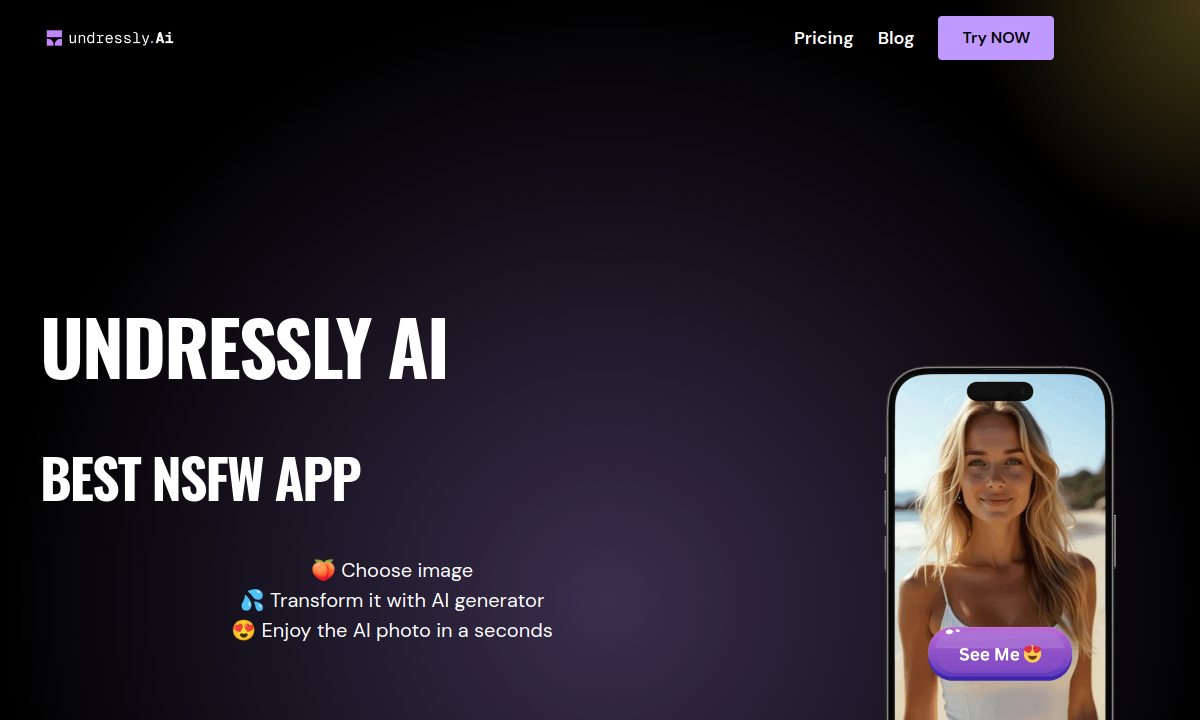
Undressly AI's homepage promises a three-step loop—choose image, transform, download—and the FAQ adds a detail the marketing glosses over: you select specific areas of the photo before processing. That turns the tool into a targeted edit, where you decide which zones the AI rebuilds. Combined with style and body-type preferences, the workflow hands the user more directional control than the one-click headline promises. The site does not describe how the area selection tool works in practice.
The homepage language around AI girlfriends and boyfriends is not just branding. Undressly's workflow begins with discovering and choosing from AI models the platform supplies, alongside uploading your own photo. That lowers the entry barrier: instead of needing a suitable photo upfront, you can browse what the tool already has and apply transformations. The site does not describe the size or variety of that built-in library.
Style and body-type selection sit at the center of Undressly's customization promise. Before processing, you pick visual style preferences and body characteristics that guide the AI toward the result you want. This is where the tool differs from a single-preset filter. The catch is that the site never catalogs these options. You cannot preview what one style versus another looks like, or how body-type settings shift the final image, until you are already inside the editor.
Undressly promotes a free version on its homepage and in its FAQ, calling it the way to try out the app and its features. Use the free version to try the editor before selecting a paid option. The pricing page contains no prices at all, only promotional copy describing the tool. For any buyer weighing this against a competitor that publishes its tiers clearly, that opacity is the first real friction point.
Undressly calls itself completely safe and anonymous on the homepage, but the FAQ walks through creating a personal account as step one. That is a factual tension: registration introduces a data trail the anonymity promise does not reconcile. On the plus side, the site states generated images carry no copyright restrictions, so you own the output freely. Neither the privacy approach nor the copyright position links to a published policy on the site.
Undressly's upload-transform loop runs in seconds and its area-selection mechanic gives you more agency than a fully automatic filter. But the site publishes no pricing, no feature breakdown beyond body-type and style controls, and no output galleries that would let you judge quality before investing time. If you are comparison-shopping against tools like AI Undress CC or ClothOff, Undressly asks you to commit before you see anything. Open the free version, test one transformation on a photo you own, and decide from that result.
Merits
- Three-step workflow—upload, configure, download—minimizes clicks between starting and seeing a result.
- Area selection directs which zones the AI rebuilds rather than applying a blind full-image effect.
- Built-in AI model gallery lets you browse source images without needing to supply your own photo.
- Browser-based tool with no app installation required.
Disadvantages
- Zero pricing transparency: the pricing page contains promotional copy but no plans, prices, or tier details.
- Style and body-type options cannot be previewed or compared before entering the editor.
- No independent user reviews, community feedback, or output galleries available to judge quality.
- The FAQ warns that results depend on source image quality and may be unsatisfactory on the first attempt.
Key Features
Area selection tools
Mark specific zones on the photo for targeted AI transformation instead of processing the entire image.
Multiple AI models
Choose from different transformation engines to vary the output style and reconstruction approach.
Style preferences
Select a visual direction before processing to steer the AI toward a particular aesthetic.
Body type customization
Adjust physical characteristics of the subject as part of the transformation pipeline.
Pre-made AI model gallery
Browse and select platform-supplied source images when you do not have your own photo ready.
Free version access
Test core transformation functionality without upfront payment; specific limits are not disclosed.
Editor Score
Undressly AI delivers a fast upload-transform-download loop with area selection and body-type controls that give you more say than a single-preset strip filter. But the site says almost nothing about what the free tier limits, what the AI models differ on, or what any of it costs. If you are weighing this against a tool that shows its pricing, Undressly currently asks you to trust a headline. Open the free version, test one result, and decide from there.
| Criterion | Score |
|---|---|
| Upload-to-result simplicity | 15 / 20 |
| Body and style customization depth | 12 / 20 |
| Pricing transparency | 4 / 20 |
| Anonymous use and privacy | 15 / 20 |
| Feature documentation before sign-up | 7 / 20 |
| Total | 53 / 100 |
Rate Plans
Undressly AI's pricing page exists but contains no actual prices—only promotional copy claiming it is the most affordable AI NSFW app. The site references a free version for testing, which is the only cost the material confirms. Before entering any payment details, verify exactly what the free tier includes—generation caps, resolution limits, watermark policy—and what a paid plan adds. Check the live checkout page after sign-in and confirm billing cycle and refund terms before committing.
| Plan | Price | Who it suits |
|---|---|---|
| Free version | Not published | Test core transformation features; specific generation limits, output resolution, and watermark policy are not disclosed. |
| Paid tiers | Shown after sign-in | The pricing page lists no plans or prices; verify current offerings and costs inside the app after creating an account. |
The pricing page contains no published rates, plan names, or tier breakdowns. Check live checkout after creating an account and confirm billing cycle, refund policy, and generation or credit limits before submitting any payment.
Alternative Tools
| Tool | Why compare it |
|---|---|
| PlayBox | PlayBox is a different category of tool—it animates still images into short videos using community-built motion templates, rather than transforming a photo's content in place. PlayBox publishes three tiers from $4.99 to $24.99 with clear credit and duration limits. If your goal is a single still image with undressing or outfit changes, Undressly's upload-and-process loop is simpler. If you want motion and reusable templates across many clips, PlayBox's 7-to-12-second video output and template ecosystem serve that workflow. |
| AI Undress CC | AI Undress CC shares Undressly's territory but leads with no-signup generation—drop in a photo and see a result without creating an account. Undressly requires account creation before you reach the editor. Undressly adds area selection plus style and body-type controls. AI Undress CC publishes a free tier with a daily limit and references a premium upgrade through a separate service called Mixvid with 4K output and batch mode. If zero-friction first tests matter most, AI Undress CC starts faster. If granular transformation controls are the priority, Undressly's editor offers more directional input. |
| ClothOff | ClothOff covers broader ground—undressing, costume changes, short video, face swap, batch uploads, and a Telegram bot—while Undressly focuses on still-image transformation with area selection and body-type controls. ClothOff publishes a free trial tier and coin-pack pricing at checkout, giving you clearer cost planning from the start. Undressly's narrower scope keeps the workflow simple for a single transformed image, but ClothOff offers more branches if you want video or face-swap options later. |
Frequently Asked Questions
Is Undressly AI free to use?
The site promotes a free version for testing core features but does not disclose generation limits, output resolution, or watermark policy.
How does the image transformation work?
Upload or select an image, use the area-selection tools to mark zones, choose a style and body type, then process. The AI uses neural networks and generative adversarial networks according to the site's FAQ.
Can I use images I create commercially?
The site states that all generated images are not subject to copyright restrictions, meaning you own the output.
Is Undressly AI safe and anonymous?
The homepage calls the tool completely safe and anonymous. The FAQ requires creating a personal account as step one, which the site does not reconcile with the anonymity claim.
What happens if the result looks bad?
The FAQ recommends trying different undress filters and body types and acknowledges that final quality depends on the source image. Support can be reached at hello@undressly.ai.
How does Undressly compare to AI Undress CC?
AI Undress CC lets you generate without signing up and publishes a free tier with a daily limit. Undressly requires account creation but adds area selection and body-type customization controls for more directional output.