
Introduction
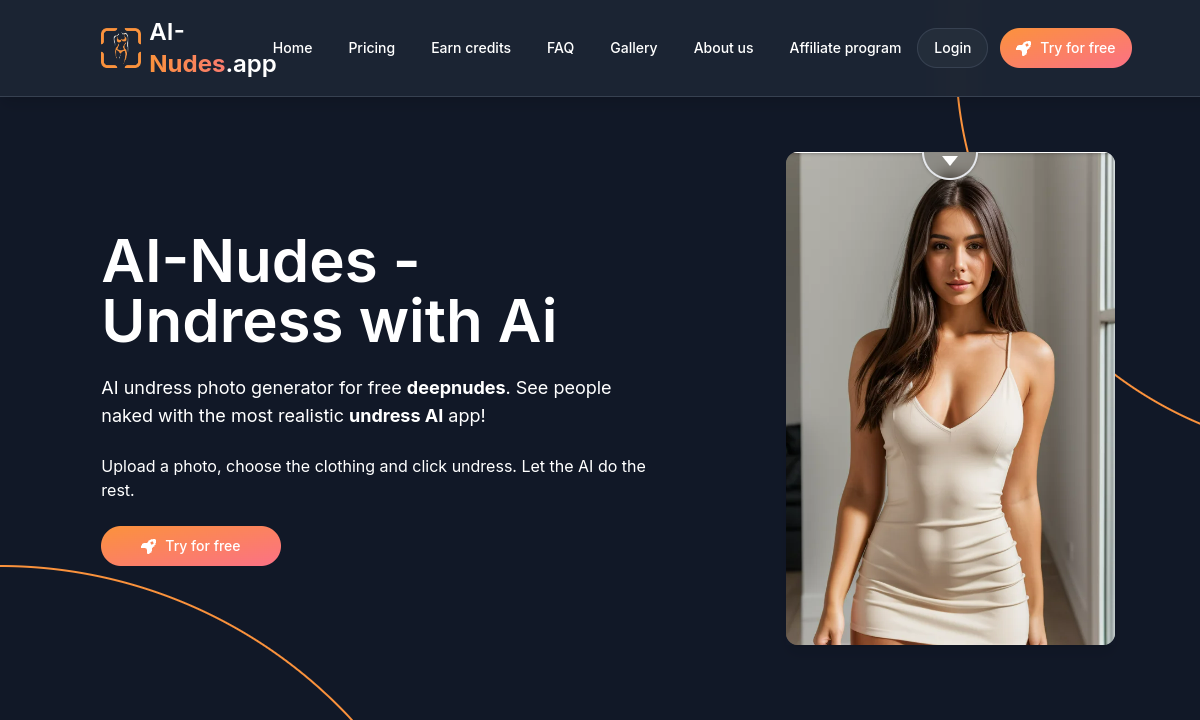
AI-Nudes.app is built for the person who does not want an all-purpose image studio. The workflow asks for one source photo, a clothing choice and a preferred breast size, then returns an AI reconstruction. That narrow design is its strongest feature: you can understand the whole product before the first generation finishes.
A clean, front-facing full-body photo gives the model the best chance. Complicated poses, crossed arms, objects covering the torso and harsh shadows force it to invent too much anatomy, and that is where seams, mismatched skin or a changed face usually appear. If the first output fails, changing the source image is often more effective than paying for repeated attempts on the same difficult pose.
The gallery is useful because it shows the kind of transformation the service is tuned for, but polished examples should not be mistaken for a guarantee. The appeal here is speed and convenience, not granular control over pose, lighting or generation model. Users who want to art-direct an entirely new adult scene will outgrow it faster than users who simply want a plausible variation of one photograph.
The plans are easy to compare. Basic includes 20 medium-quality generations, Standard moves to 80 high-quality credits and removes the watermark, while Pro provides 300 credits, the highest advertised quality and clothing-color controls. One credit appears to represent one generation, so the practical value depends on how many retries your source photos need.
AI-Nudes.app says uploaded photos are not stored and requires written permission from the adult shown. Those conditions matter more than the playful landing page suggests. Use your own photo or a consenting adult's image; the output is a synthetic reconstruction, not a way to reveal what was actually beneath someone’s clothing.
This is a good fit when you value a short path from upload to result and do not need video, manual masking or a large library of adult effects. The free attempt should be used on a representative photo rather than an easy studio portrait. If that real test looks convincing, Standard is the sensible paid tier; Pro mainly makes sense for repeated use.
Merits
- The three-step workflow is immediately understandable and avoids unnecessary generator controls.
- Standard and Pro clearly add high-quality output, watermark removal and priority processing.
- Body-size and clothing options offer more direction than a completely automatic one-click tool.
- Referral rewards provide another way to earn credits without moving straight to a larger subscription.
Disadvantages
- The tool offers little control when the model changes a face, hand, pose or background detail incorrectly.
- Basic output remains medium quality and watermarked, which limits the usefulness of the cheapest tier.
- Subscriptions renew monthly even though many people will use this kind of tool only occasionally.
- The service is limited to still-photo transformation rather than broader image generation or video.
Key Features
Upload-led transformation
Start from an adult photo and generate a synthetic nude variation without writing prompts or selecting an AI model.
Clothing and body controls
Choose the clothing treatment and breast-size direction before generation, giving the model a little more guidance than a single undress button.
Tiered output quality
Basic uses medium quality; Standard advertises high quality, while Pro moves to the service's excellent-quality setting.
Watermark-free paid output
Standard and Pro remove the watermark and include priority queue access, making them the practical tiers for saved results.
Credit referral program
An invited user who makes a purchase earns the referrer ten credits, useful for occasional extra generations.
Editor Score
AI-Nudes.app is scored as a narrow photo transformer. It earns points for clarity, speed and honest plan differences, but difficult photos expose the limited correction controls and Basic is too restricted to be the natural paid choice.
| Criterion | Score |
|---|---|
| Ease of use | 19 / 20 |
| Transformation quality | 16 / 20 |
| Controls and correction options | 13 / 20 |
| Speed and workflow | 18 / 20 |
| Credit value | 15 / 20 |
| Total | 81 / 100 |
Rate Plans
Use the free attempt before subscribing. Standard is the best-balanced plan because it is the first tier with high-quality, watermark-free output; Basic saves money but removes two of the features most buyers actually want.
| Plan | Price | Who it suits |
|---|---|---|
| Free try | $0 | A limited first generation for testing the workflow and judging whether a representative source photo works. |
| Basic | $9.95/month | 20 credits, medium-quality output and priority queue access. The watermark remains. |
| Standard | $19.95/month | 80 credits, custom breast size, high-quality output, priority queue and no watermark. |
| Pro | $39.95/month | 300 credits, the highest advertised output quality, priority queue, clothing-color customization and no watermark. |
Plans are monthly subscriptions. Check renewal and cancellation status in the account after purchase. A referral whose purchase qualifies currently earns ten credits.
Alternative Tools
| Tool | Why compare it |
|---|---|
| PlayBox | Compare character quality, model control, memory, and total monthly cost with AI-Nudes.app. |
| ZenCreator | Compare character quality, model control, memory, and total monthly cost with AI-Nudes.app. |
| PlayFlux | Compare character quality, model control, memory, and total monthly cost with AI-Nudes.app. |
Frequently Asked Questions
What kind of photo works best?
Use a sharp, well-lit, front-facing adult photo with a visible torso and few obstructions. Complex poses and covered body areas require more invention and produce less stable anatomy.
Does AI-Nudes.app reveal the real body beneath clothes?
No. It generates a synthetic visual reconstruction from patterns learned by an AI model; it does not recover hidden pixels or show the person's actual body.
Is there a free version?
There is a limited free try. Use it to judge a realistic source image before deciding whether the paid quality and credit volume are worthwhile.
Which paid plan offers no watermark?
Standard and Pro remove the watermark. Basic remains medium quality and does not list watermark removal.
Are uploaded photos stored?
The service states that it does not store image data. Its rules also require the subject to be an adult and the uploader to have written permission.
What should I do after a bad result?
Try a cleaner source photo before repeatedly spending credits. A direct pose, even lighting and an unobstructed torso usually help more than rerunning a fundamentally difficult image.