Contents
- What OnlyMonster actually is
- Dynamic Fan Lists: live segments instead of saved snapshots
- Seven segments worth building first
- From list to campaign: the send path
- Unsend All: what the button does
- Permissions: who can send, who can retract
- A five-step workflow you can run weekly
- Manual OnlyFans management vs OnlyMonster
- Limits and common misunderstandings
- What to do next OnlyMonster is a creator CRM and team workspace built around OnlyFans. It connects to your OnlyFans account so you can filter fans into live segments, send targeted mass messages to those segments, and, when a campaign goes out wrong, use the Unsend All button to retract the OnlyFans mass message. It suits solo creators, agencies and chatters who run repeatable messaging campaigns. It does not replace OnlyFans itself, your content calendar, or your compliance obligations.
If you have ever exported a fan list, edited a spreadsheet, and still sent the wrong offer to the wrong people, these two features are why people adopt the tool. Auto messages, team roles and analytics all sit on top of that list-and-send loop.
What OnlyMonster actually is
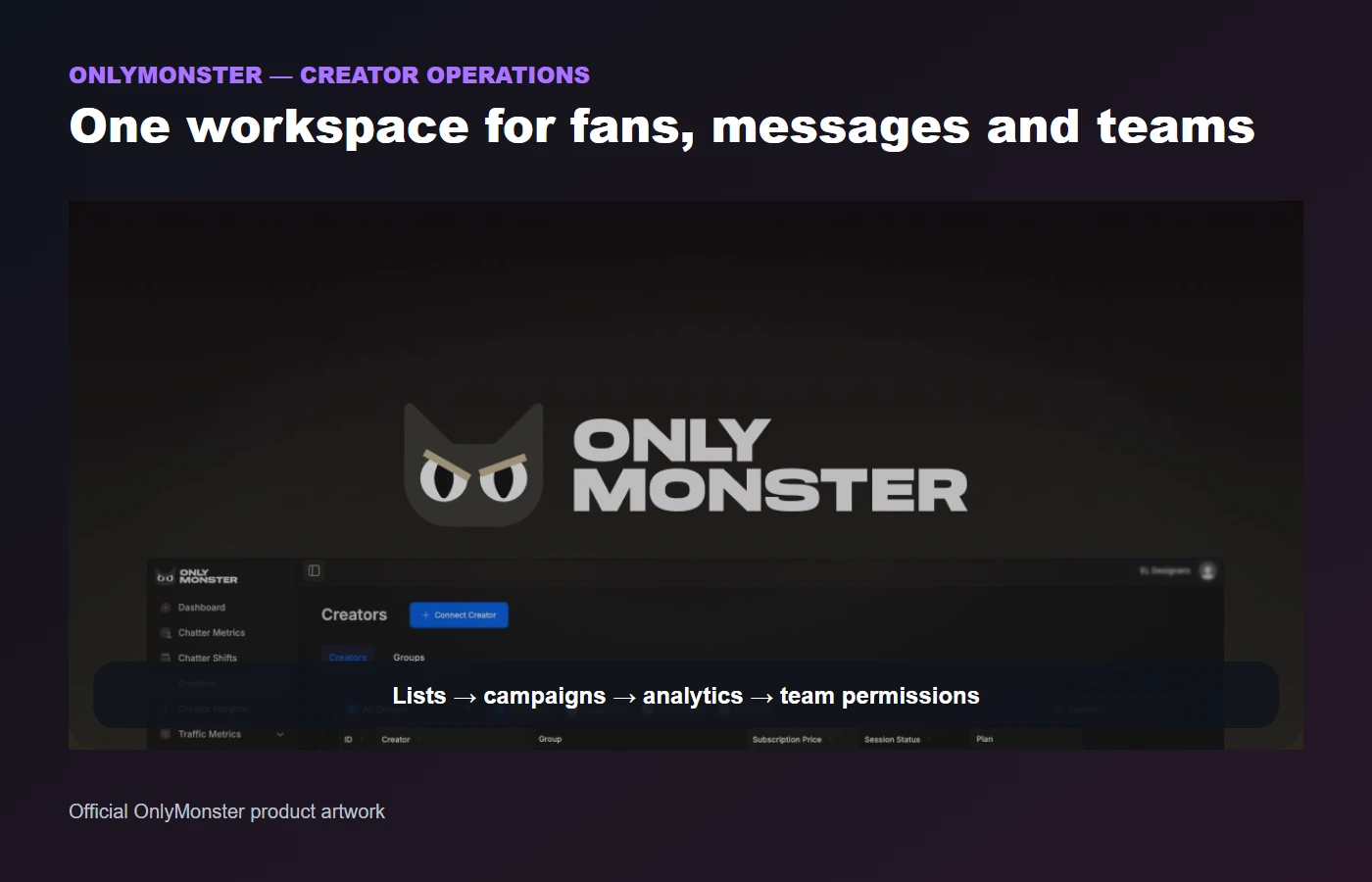
OnlyMonster describes itself as a creator CRM and team workspace built specifically around OnlyFans. In practice that means three layers:
- A connection to your OnlyFans account, so fan data, subscriptions, transactions and chat activity land in one place instead of you clicking through the OnlyFans backend profile by profile.
- Audience management: Dynamic Fan Lists, segments, filters and saved views that turn a raw subscriber base into named groups you can act on.
- Messaging and team operations: mass messages and campaigns aimed at those groups, auto messages, and permission-controlled access so managers and chatters can work without full owner rights.
The word CRM matters here. A customer-relationship system tracks who each fan is, what they have done, and what to send them next. That is easy to hold in your head for one creator with a few hundred subs. It stops being easy once you manage several creators, a rotating subscriber base, and a team of chatters. OnlyMonster fills that gap, which is why its most-used features are about grouping fans and correcting sends rather than publishing.
The rules for what you send and how you label media are set by OnlyFans, not by any CRM. Our guide to OnlyFans AI label rules covers the workflow for AI-edited content, and it is worth reading before you scale a mass-message program, because volume multiplies mistakes as fast as it multiplies revenue. Platform and regulatory shifts, such as the Florida OnlyFans tax proposal covered in this breakdown, change what a sustainable creator operation looks like over a twelve-month horizon. Tools evolve; the account rules and the economics are the fixed constraint you plan around.
Dynamic Fan Lists: live segments instead of saved snapshots
A static list is a snapshot. You select 400 fans today, save or export them, and tomorrow they are stale: some have expired, some have subscribed since, some have bought something this morning.
A Dynamic Fan List re-evaluates membership every time you open it, against criteria that keep changing. You save a rule instead of a group of people. OnlyMonster's official FAQ describes Dynamic Fan Lists as updating fan segments from criteria including subscription status, expiration, transactions, active chat and spend, with those lists feeding targeted mass messages and auto-message workflows.
Concretely, a subscription-date-range filter looks like this:
- Subscribed between 1 October and 15 October
- Status: active
- Not already messaged in the current campaign
Anyone meeting that rule is in the list today. Someone who expires tomorrow drops out. Someone who joins next week is not added until their start date falls inside the window.
The timing is what separates the two approaches. A static list leaves you asking when you exported it; a dynamic list lets you ask whether a person matches the condition right now. For date-sensitive sends such as welcome sequences, expiry rescues and anniversary offers, only the second question gives you a message the recipient still cares about.
Seven segments worth building first
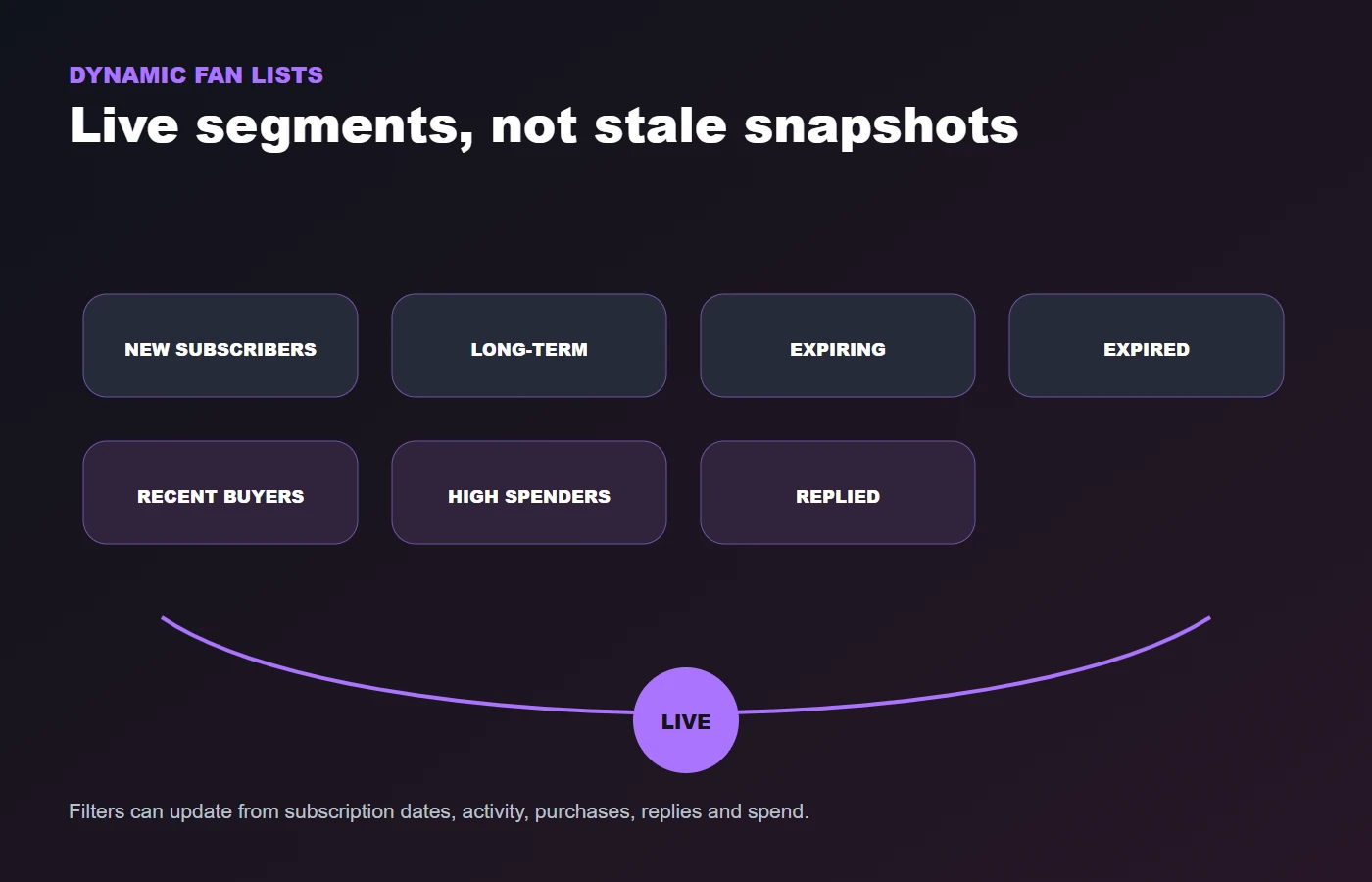
You do not need dozens of lists. Most creator messaging programs run on a handful of well-defined groups. These seven cover most campaigns, and here is what each one is for:
| Segment | Typical definition | What it is for |
|---|---|---|
| Newly subscribed | Subscribed in the last N days | Welcome message, first offer, setting expectations |
| Long-term subscribers | Active for 6+ months, still in window | Loyalty rewards, VIP treatment, retention |
| Expiring soon | Subscription ends within a set number of days | Renewal nudge, win-back offer before they lapse |
| Expired | Lapsed within a reactivatable window | Reactivation campaign, comeback discount |
| Recent buyers | Transaction within the last N days | Upsell while purchase intent is warm |
| High spenders | Spend above your own threshold | Priority access, custom content offers |
| Fans who replied | Replied in chat, recent | Re-engage conversation; hand off to a chatter |
Two notes on building these. The thresholds are yours to set: "high spender" means whatever is high for your account, not a universal number, so pick a figure you can defend and revisit it monthly. Keep the criteria narrow enough that the message still reads as personal. A list of 3,000 people called "recent buyers" receiving an identical offer will perform worse than a list of 180 people whose message mentions their actual recency.
Dynamic membership also removes one piece of manual hygiene: nobody has to remember to strip expired fans from the renewal list, because expiration takes them out on its own.
From list to campaign: the send path
The chain is short, and each link is a place where errors creep in:
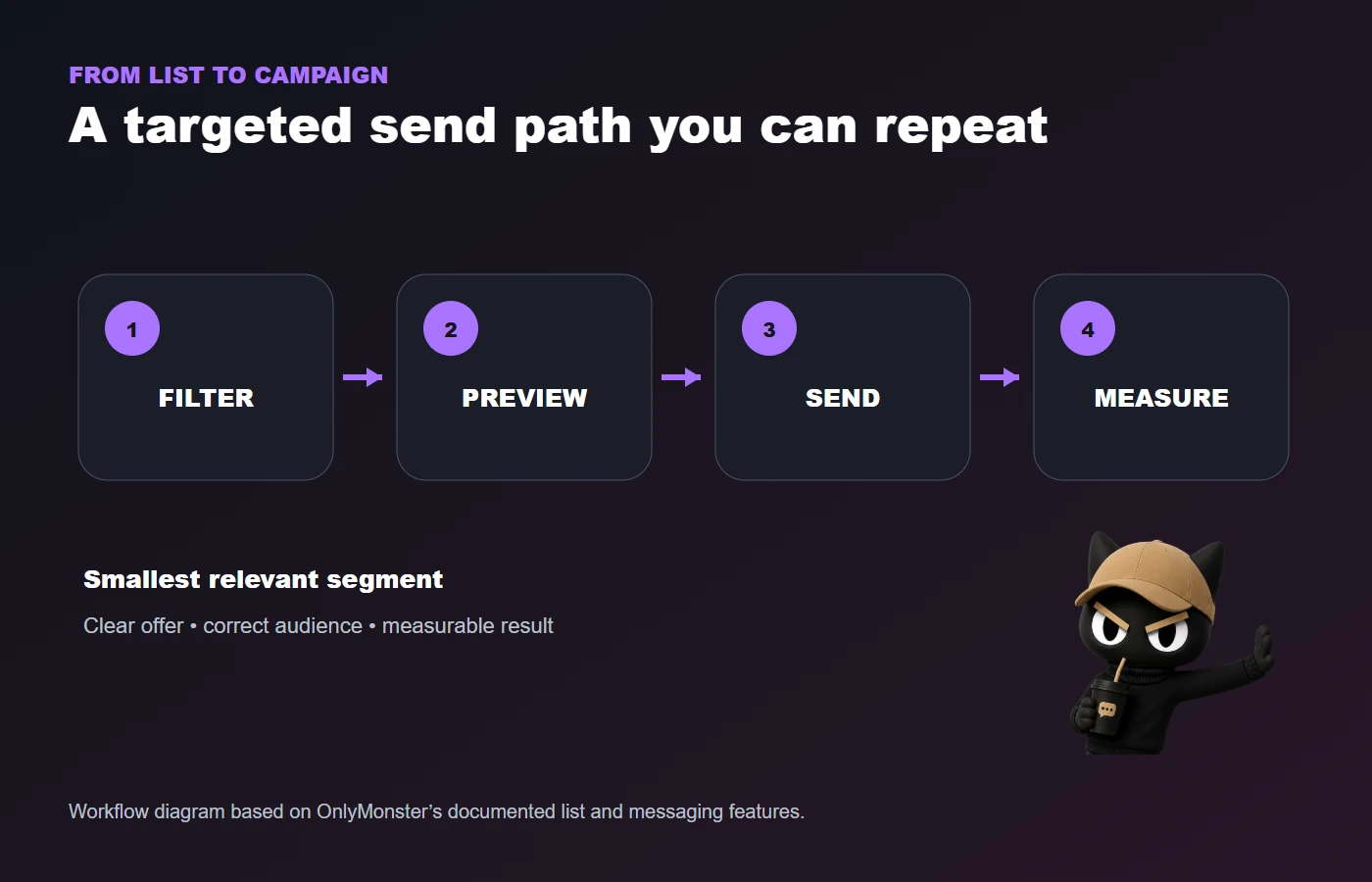
Rule → live segment → membership preview → targeted send → results check.
The membership preview is the step teams skip and later regret. Before a campaign goes out, open the list and look at who is actually in it. Two questions settle most doubts:
- Does the count match what I expect for this date range?
- Do the first few names look like the people I meant to reach?
If the count is 4,100 when you expected 300, the date filter is wrong or the status filter is off, and you have found that before the send rather than after. A preview costs thirty seconds; a mis-targeted mass message costs considerably more.
Once the segment is confirmed, it becomes the recipient set for a mass message or campaign. This is where targeted sending earns its keep: the same offer can go to expiring fans with renewal language, to recent buyers with an upsell, and to expired fans with a comeback message. Three sends, three different pieces of copy, one afternoon of work.
Unsend All: what the button does
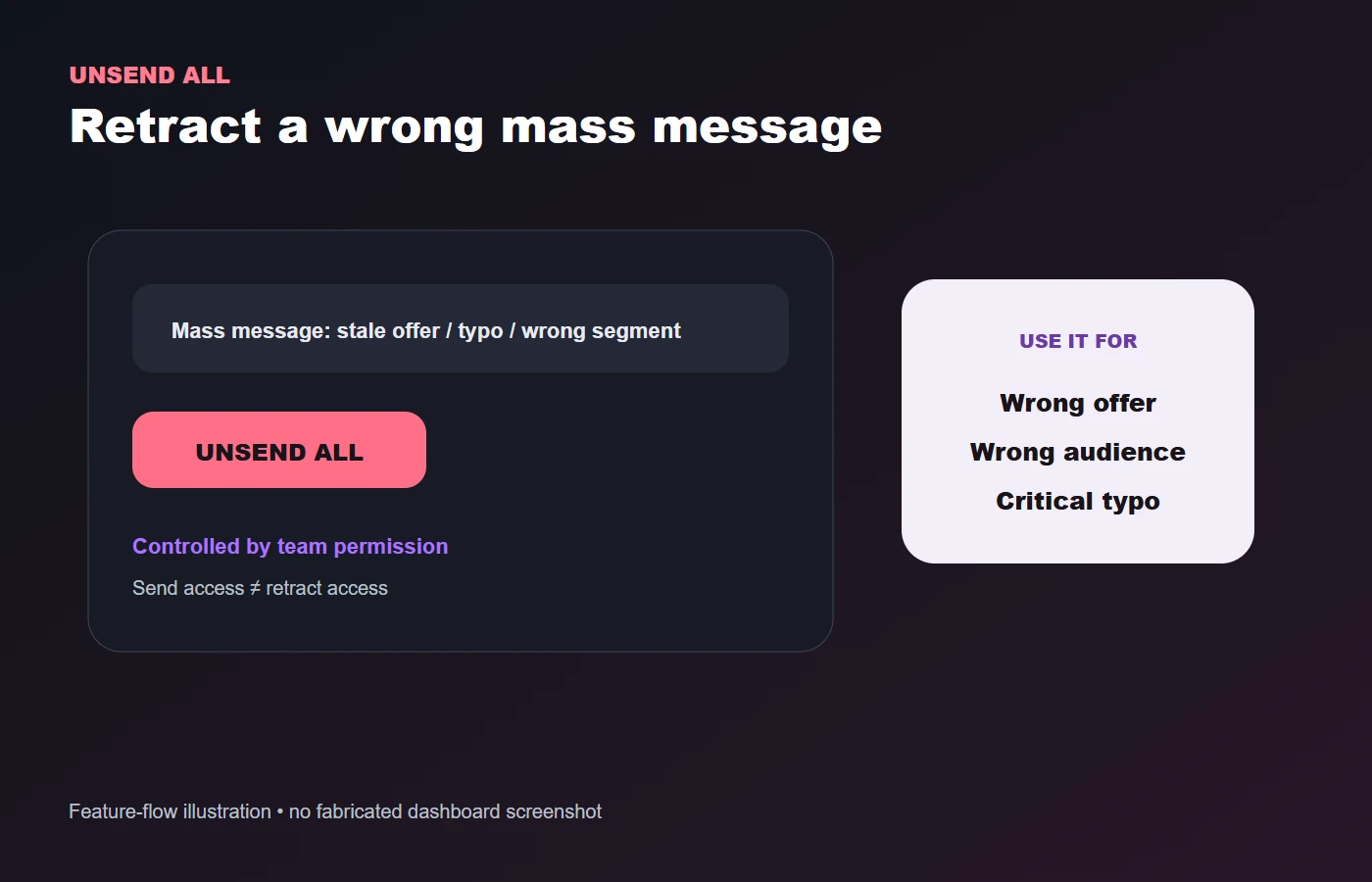
OnlyMonster's changelog records the addition of an Unsend All action for retracting OnlyFans mass messages, along with a specific permission controlling who may use it. It exists for the uncomfortable moment when the message is already out and it is wrong.
Four realistic triggers:
- Wrong offer. You priced a bundle at the wrong number, or advertised a discount that does not exist.
- Typo. A broken link, a garbled name, a missing word that changes the meaning.
- Stale campaign. The message references a date, a holiday or an event that has passed.
- Incorrect segment. The list was built with a faulty filter, so the message reached people it was never meant for: expired fans receiving a "welcome back" written for new subscribers, for example.
In each case, Unsend All retracts the mass message instead of leaving it to sit in recipients' inboxes. Speed matters, because retraction is worth less once people have read the message. Press it the moment you confirm the problem rather than waiting for a five-person approval chain.
What it does not replace. Unsend All corrects a send; it does not fix the terms of a bad offer, retract individual one-to-one DMs already sent by a chatter, guarantee that nobody screenshotted the message before it was pulled, or remove the need for a follow-up when people have already seen the original. It does not substitute for a preview step either. Nor does it change your compliance position: whatever you sent still happened under OnlyFans' rules, and retraction is an operational fix rather than a policy one.
Permissions: who can send, who can retract
Because OnlyMonster added a distinct permission for unsending mass messages, team accounts need a deliberate role setup rather than a shared login. A workable split:
| Role | Should be able to | Should probably not |
|---|---|---|
| Owner / creator | Build lists, send, unsend, manage billing and integrations | — |
| Manager | Build lists, draft and send campaigns, unsend when authorized | Change account-level settings they do not own |
| Chatter | Work assigned conversations, view segments they need | Send unapproved mass campaigns; unsend by default |
Unsending is a high-blast-radius action. If every chatter can press it, one person's misread of a campaign becomes everyone's emergency; if only the owner can press it, a mistake discovered at 2 a.m. waits until morning. Give the permission to whoever is actually on duty, document that decision, and review it when staff change.
List construction needs the same treatment. A chatter who can edit the criteria of a live segment can silently change who receives the next campaign. Restrict editing on production lists to the people responsible for campaign quality, and hand out read access more freely.
A five-step workflow you can run weekly
- Build a date-range list. Create a Dynamic Fan List with a subscription start/end window plus a status filter. Name it for the campaign rather than the date: "October welcome sequence" survives better than "list 11".
- Preview membership. Open the list, check the total against your expectation, and scan the first rows for obvious mismatches. If the number looks wrong, fix the rule now.
- Send a targeted campaign. Point the mass message at the confirmed segment, and keep one offer per send so you can attribute results later.
- Check results. Review delivery, replies and any conversions after a sensible window for your audience, comparing against the previous send to the same segment rather than an industry average.
- Use Unsend All only when necessary. If something is wrong, retract immediately and then send a short correction. If nothing is wrong, leave it alone: the button is for genuine errors, not for second-guessing creative decisions.
Run that loop weekly and the segments largely maintain themselves. Dynamic membership keeps them current, the preview catches filter mistakes, and the results check tells you which rules are worth keeping.
Manual OnlyFans management vs OnlyMonster
| Task | Doing it manually inside OnlyFans | With OnlyMonster |
|---|---|---|
| Finding expiring fans | Open profiles one by one, or export and re-sort | Filter rule returns a live list on demand |
| Keeping a list current | Re-export regularly; goes stale the moment you stop | Membership updates as fan status changes |
| Segmenting by spend or reply | Not natively queryable in one view | Criteria-based segments, including chat activity |
| Targeting a campaign | Send broadly or copy names by hand | List becomes the recipient set directly |
| Catching a bad send | Hope recipients ignore it | Unsend All retracts the mass message |
| Team access | Shared login, everyone has owner-level reach | Role-based permissions, incl. unsend rights |
| Cost of a mistake | Scales with your audience size | Scales with how carefully you preview |
Under a few hundred active fans with one operator, the manual column works: spreadsheets and discipline are enough. Past that point, the time cost of re-sorting lists and the blast radius of one mis-targeted send both climb, and the tool starts paying for itself in avoided mistakes before you count the campaigns you now run that you would never have attempted by hand.
Limits and common misunderstandings
- Dynamic lists mean I can skip planning. They keep membership correct; they do not choose your offer, your timing or your copy. An accurate list carrying a bad message still performs badly.
- Unsend All makes mass messages risk-free. It shrinks the damage window. It does not stop screenshots, does not retract individual DMs, and does not replace a preview. Think fire extinguisher rather than fireproofing.
- More segments mean better targeting. Seven well-maintained lists beat forty overlapping ones. Overlapping segments give the same fan three variants of the same offer in a week, which is a fast way to lose them.
- The tool handles compliance for me. Platform rules, content labelling and tax or regulatory changes remain your responsibility whichever CRM you use. Keep an eye on platform alternatives and subscription-model shifts as context for where creator audiences are moving, but do not mistake tooling for policy.
- Feature behavior is fixed. It is not. OnlyMonster maintains a public changelog (2026 and 2025) and the official FAQ documents current list and messaging behavior. Check both before you build a workflow around a specific button or permission, and treat anything you read third-party as accurate as of your check rather than permanent.
What to do next
If you are evaluating OnlyMonster, start with one campaign you already run manually: a renewal nudge, a welcome sequence, a win-back offer. Rebuild it as a single Dynamic Fan List with a clear date range, preview it, send it, and see whether the result beats your manual version on both accuracy and time spent.
If it does, add the second segment and the unsend permission, and only then bring in team members. If it does not, you have learned something useful about your list hygiene before committing further, and that is a much cheaper place to find out where the problems are.